Basic Practice
Copyright at Footer
Powered by <a href="https://etctech.com.my" target="_blank">etc</a> <a href="https://etctech.com.my" target="_blank">web design</a>
- Powered by etc web design.
- Separate link on both etc & web design
- Use
target="_blank"
Favicon
- Make sure favicon is added with square logo
- Make sure it is not streched
<link rel="icon" type="image/png" sizes="32x32" href="/favicon-32x32.png">
Page Title, Description & Metatag
- Title: {Slogan} | {Website Title}
<title>Shop Cakes Online at the Best Cake Cafe in Malaysia | Secret Recipe</title>
<meta name="title" content="Shop Cakes Online at the Best Cake Cafe in Malaysia | Secret Recipe">
<meta name="og:title" property="og:title" content="Shop Cakes Online at the Best Cake Cafe in Malaysia | Secret Recipe">
- Description: {Introduction of the website}
<meta name="og:description" property="og:description" content="Celebrate sweet moments with your favourite cake from Secret Recipe!
With a variety of choices to choose from, shop your favourite cake now. Click here to order!">
<meta name="description" content="Celebrate sweet moments with your favourite cake from Secret Recipe!
    With a variety of choices to choose from, shop your favourite cake now. Click here to order!">
- Keywords: {Keywords related to the website}
<meta name="keywords" content="cake shop malaysia, best cake shop in malaysia, top cake shop in malaysia, famous cake shop in malaysia,
cake shop, best cake shop, online cake shop, cake shops around me, birthday cake shop, bakery cake shop, cake bake shop, cake shop website
, birthday cake shop online, cake and bake shop, cake shop bakery, cake shop online order, celebration cake shop, good cake shop, local cake shops
">
<meta property="og:image" content="https://www.secretrecipe.com.my/assets/images/logo/logo-sq.png"/>
Asset & Page link
- Use
asset() for all assets image/css/js/pdf and etc
- Use
route() to link page
<link rel="stylesheet" type="text/css" href="{{ asset('assets/style.css') }}">
<a href="{{ route('users.create') }}">Create</a>
URL Standard
- Use dash to represent space
- Standardise all to lowercase
- Avoid any special character
Asset Versioning (Prevent cached)
- Make use of timestamp for the versioning on asset to avoid cache (Avoid doing this on large asset)
<link href="{{ asset('css/custom.css?v='.date('YmdHis')) }}" rel="stylesheet">
<script src="{{ asset('js/custom.js?v='.date('YmdHis')) }}"></script>
- You may make sure of this when replacing some of the image file to avoid cache
<img src="{{ asset('img/logo.js?v=2') }}">
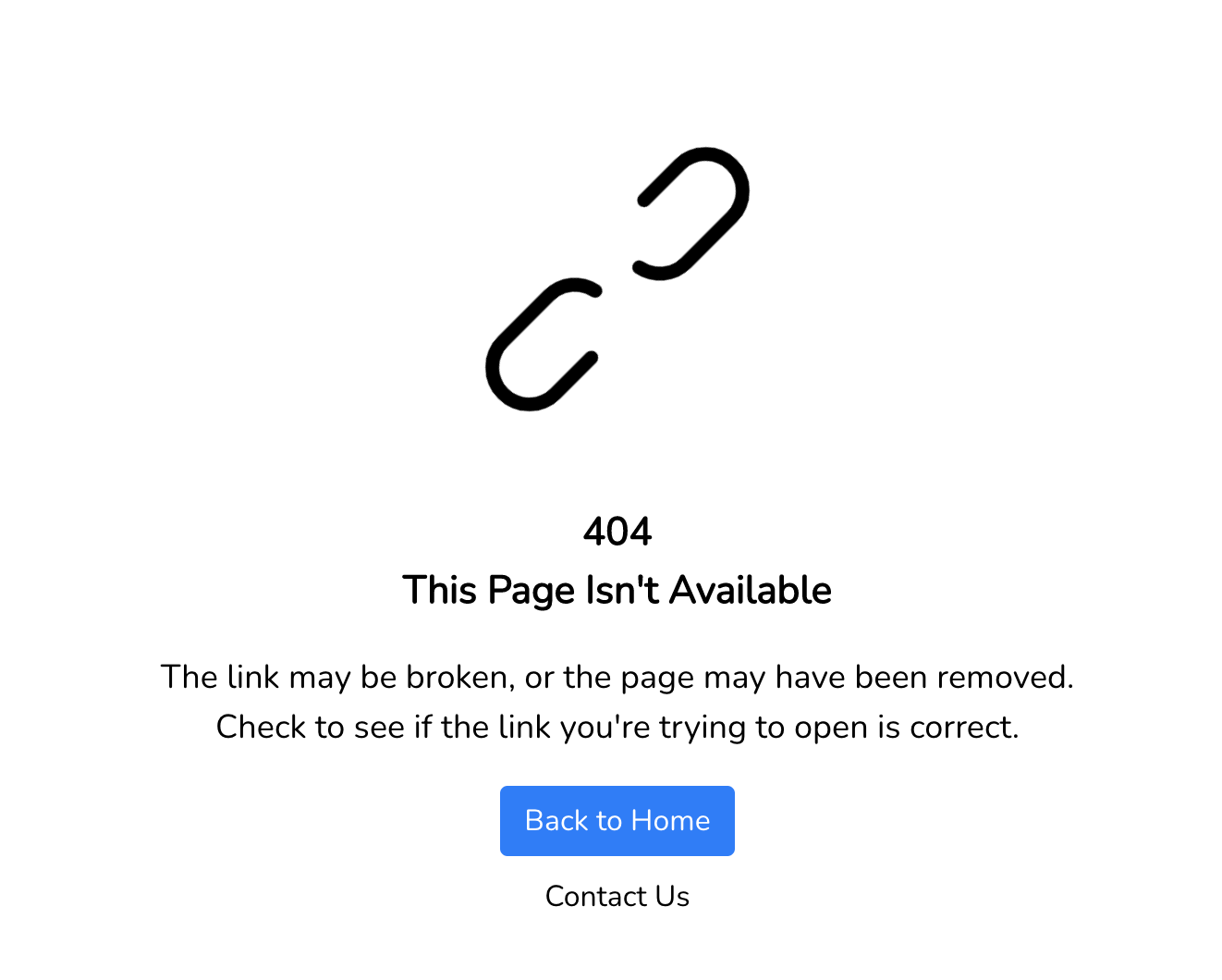
Error Page
- To handle custom error page for 401, 403, 404, 419, 429, 500, 503
- Download the errors folder and placed into
resources/views - Download errors folder
Optimize Image Size
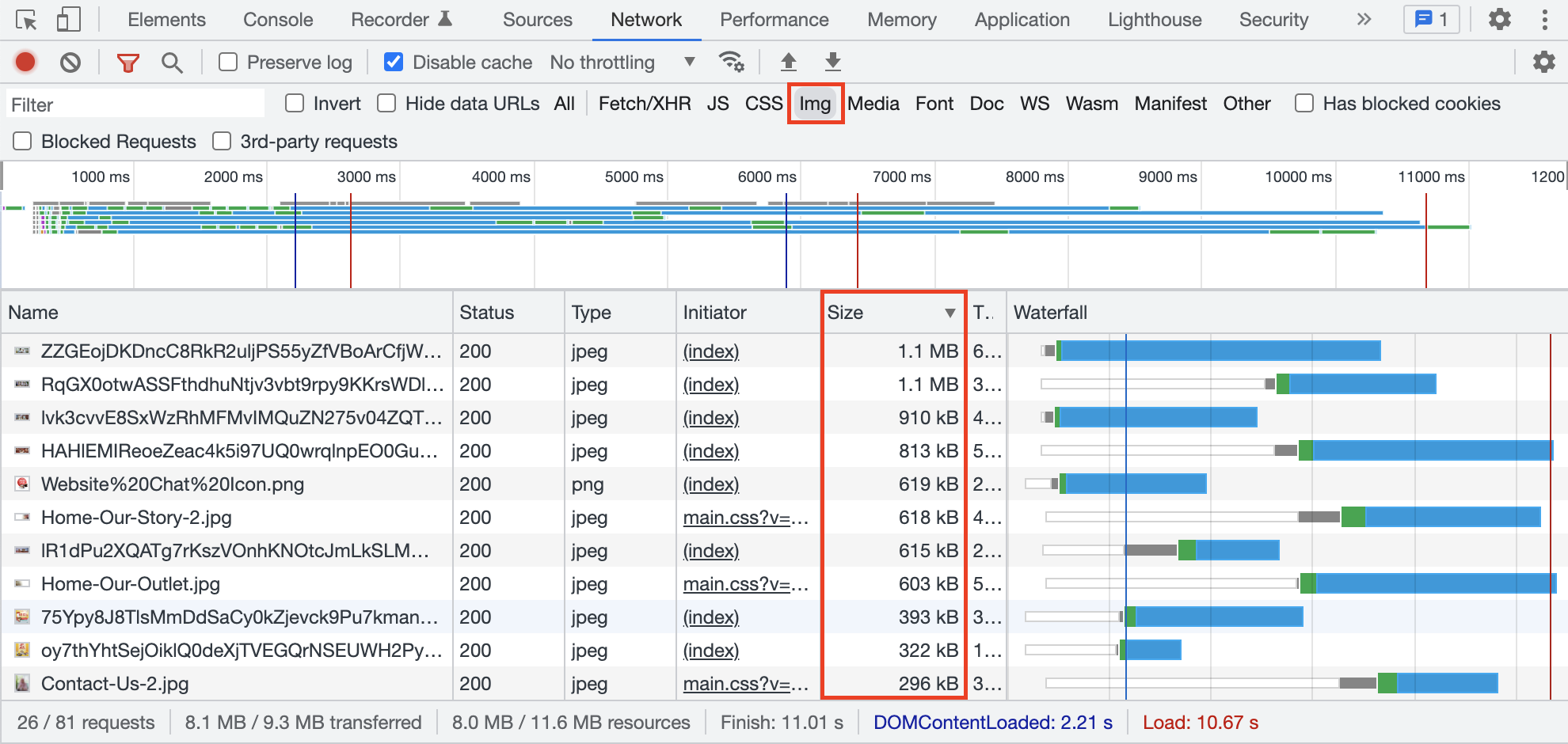
- To check all images size
- Right click > Inspect > Network > Img > Hard Refresh (Shift + F5) / Disable cache
- Check on images with large file size from the list and proceed to optimize.
- Best not to more than 600kb per image, perhaps it should be depending on the actual size that is needed to be render on the website.
Default Admin email & password
- Username : superadmin
- Email : superadmin@{company}.com (eg. superadmin@etctech.com.my)
- Password : {company}@1234 (eg. Etctech@1234)
- Capital on first letter